 Zigbee Bridge — What to Do When Smart Devices Stop Working
Use this guide if your smart lights, radiator valves, or the living room blind have all stopped responding at the same time.
The Zigbee Bridge is a small white box in the living room. It connects all your smart Zigbee devices to Home Assistant. If it loses its connection, all Zigbee devices will stop responding at once.
🔍 Step 1 — Find the Bridge and Check the Light
The bridge is the small square white box in the living room. It looks like this:
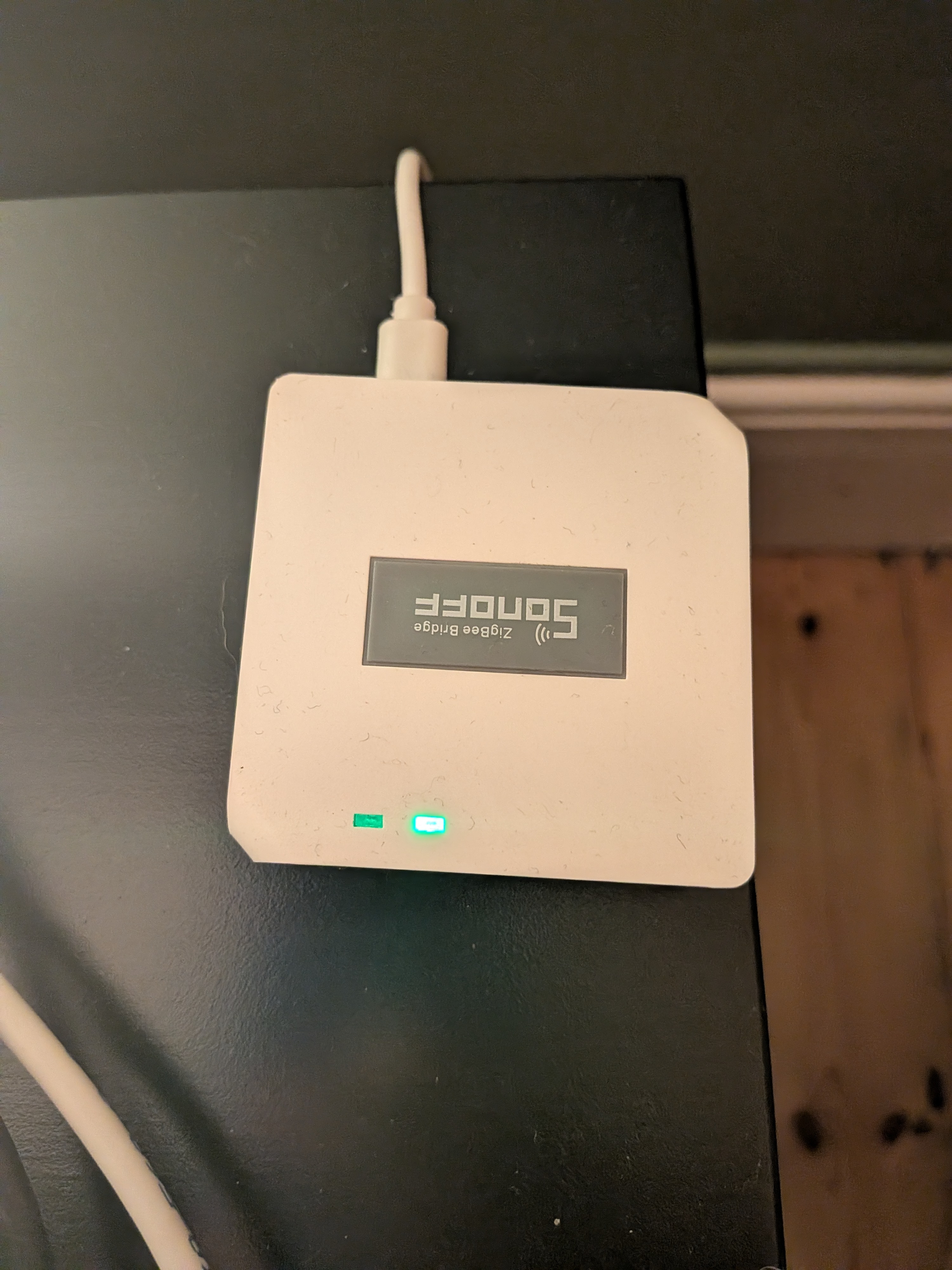
Look at the two small lights on the front:
| Light | What it means | What to do |
|---|---|---|
| Solid green (right light) | Working fine | This guide won't help — check something else |
| Flashing blue (left light) | Lost connection to Home Assistant | Go to Step 2 |
| No lights at all | No power | Check the cable is plugged in and the UPS is switched on |
🔄 Step 2 — Power Cycle the Bridge
Most of the time, unplugging and replugging the bridge fixes the problem.
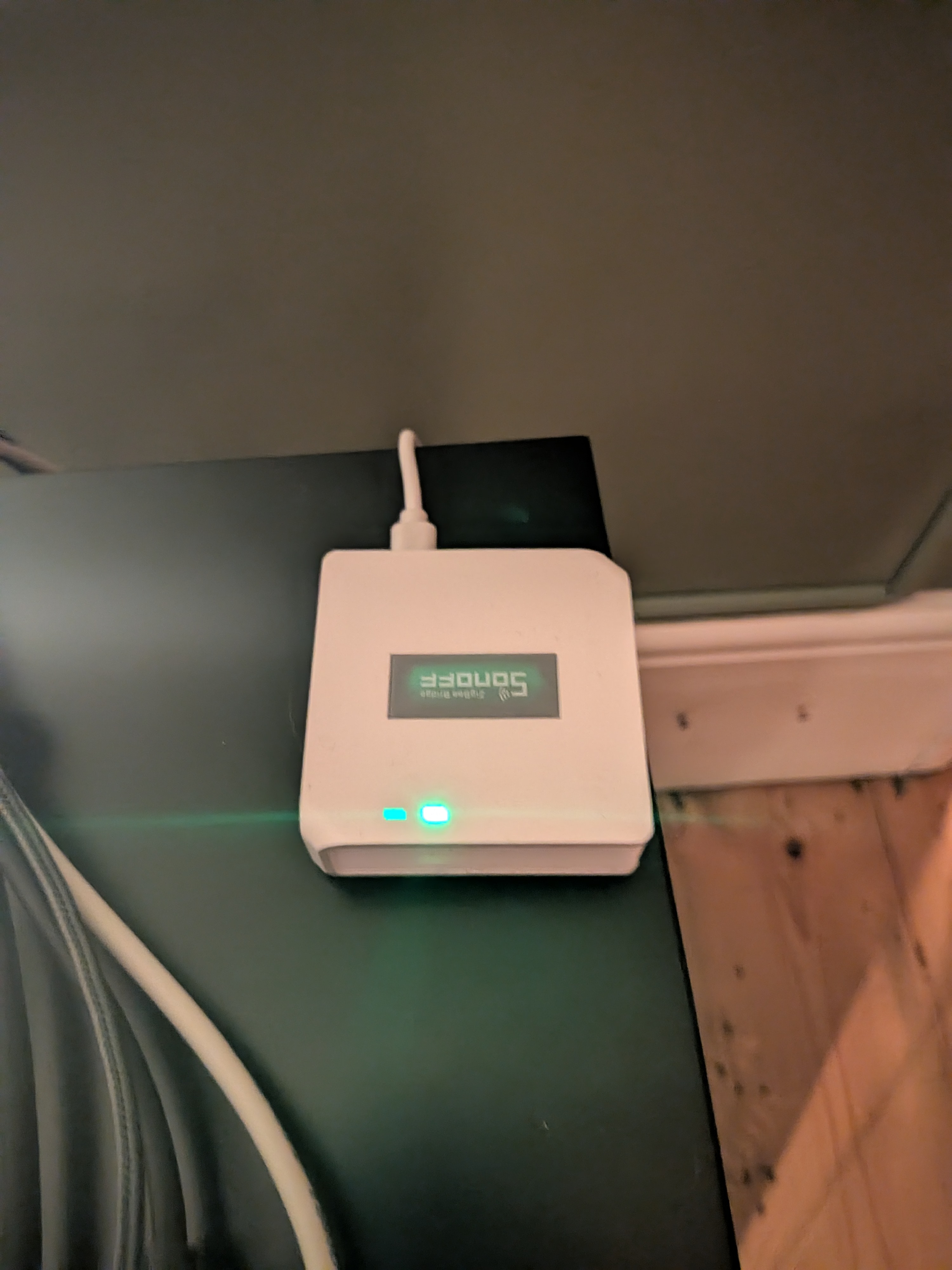
- Find the cable plugged into the back of the bridge
- Pull the cable out
- Wait 10 seconds
- Plug it back in
- Wait 1 minute
Check the light again. If it is now solid green, your devices should start working. Try one to confirm.
If the light is still flashing blue, go to Step 3.
🏠 Step 3 — Restart Zigbee2MQTT in Home Assistant
If power cycling didn't work, the Zigbee2MQTT app inside Home Assistant may have stopped. You can restart it without needing to restart anything else.
- Open Home Assistant using whichever works for you:
- Phone app — open the Home Assistant app
- Browser at home — go to http://192.168.1.12:8123
-
Browser away from home — go to https://ha.djchome.uk
-
Tap Settings at the bottom of the screen
-
Tap Add-ons
-
Find Zigbee2MQTT in the list and tap it
-
If it shows as Stopped, tap Start
-
Wait 1 minute, then check if the bridge light has turned solid green and your devices are responding
❓ If Nothing Has Worked
Contact Daniel. Let him know:
- What the bridge light was doing
- Whether power cycling helped or not
- Whether you could see Zigbee2MQTT in Home Assistant and what it showed